See the world in heat.
Thermal, night vision and FX looks for the camera you already have. Twenty effects with a live HUD and detail overlay, on iPhone and iPad, with a shutter on your Apple Watch.
One camera. Twenty looks.
Every look is rendered live on your device from the camera image, as you move.
What's inside
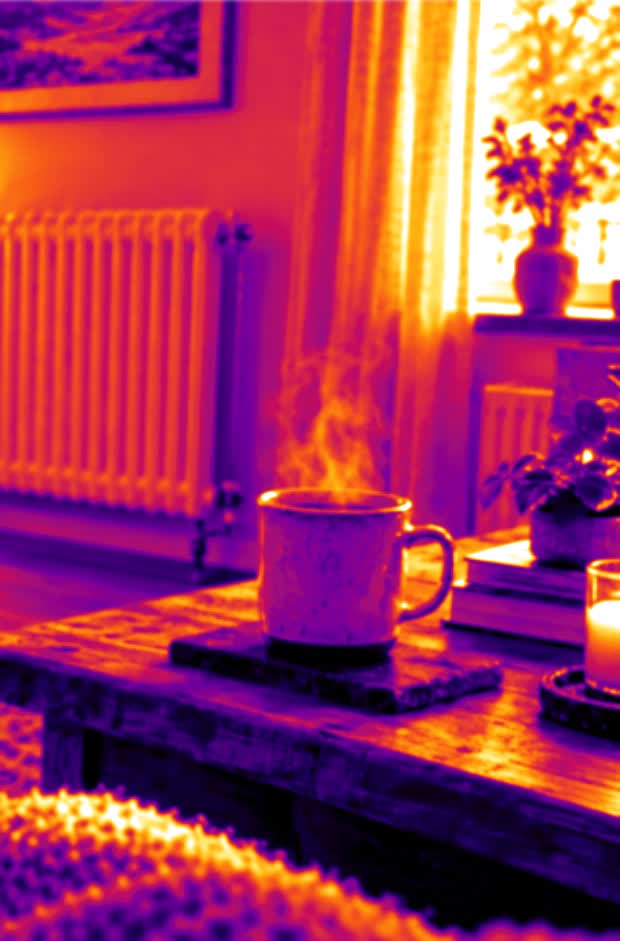
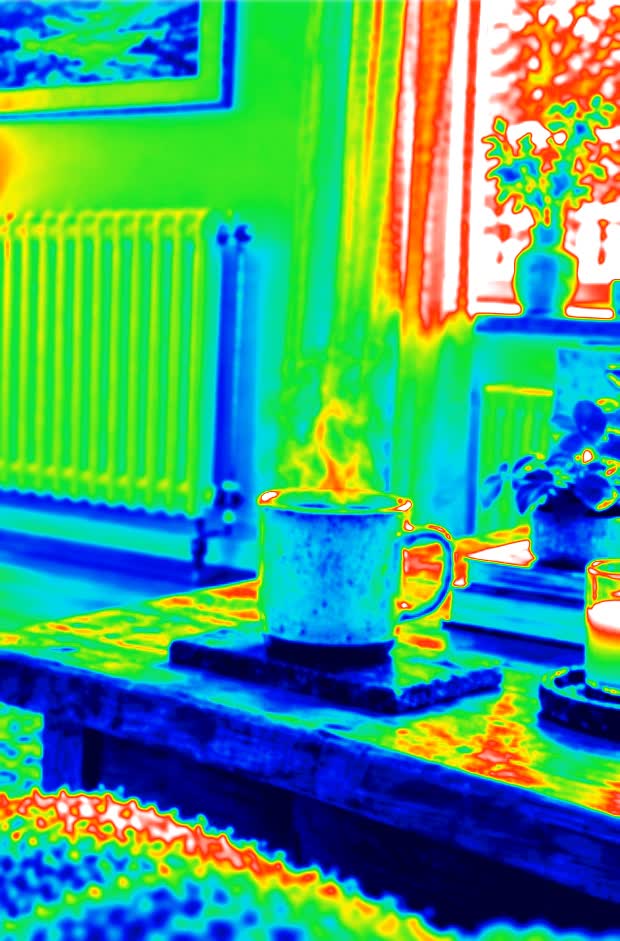
Thermal palettes
Eight false-colour palettes: Iron, White, Black, Rainbow, Arctic, Lava, Glow and Amber.
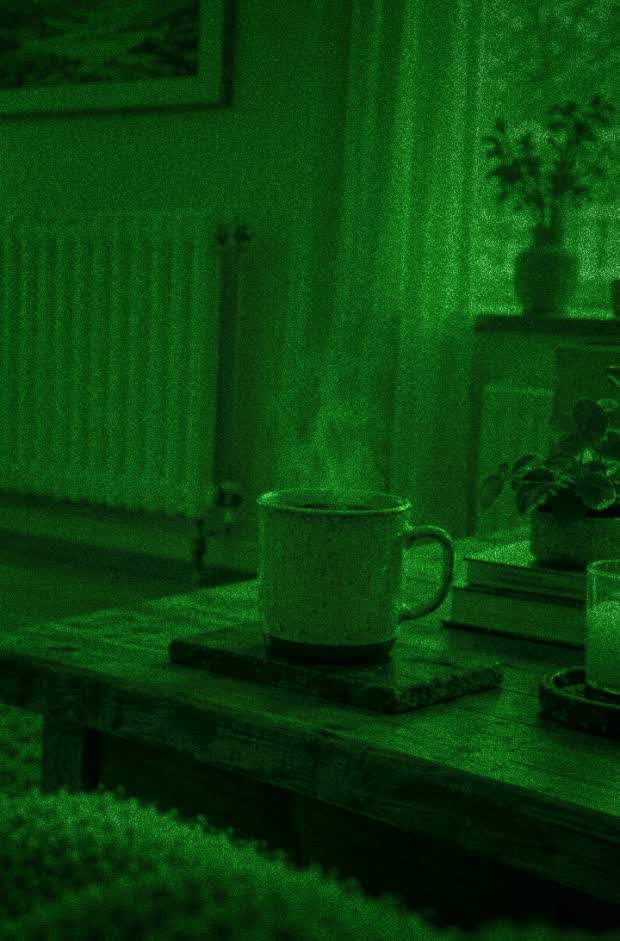
Night vision
Classic green and amber night vision, a UV blacklight look, infrared and a ghostly look for dark rooms.
FX filters
Glitch, scanline, pixel, neon, x-ray, comic and crystal effects that restyle the whole picture.
HUD
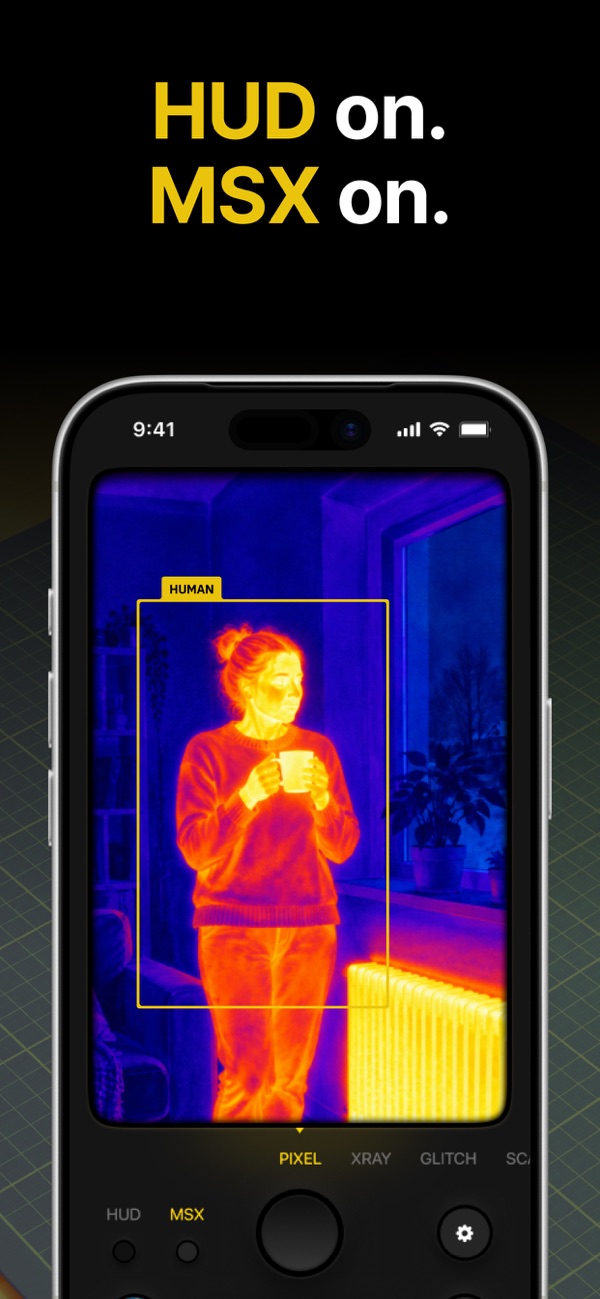
A crosshair, a palette colour bar and markers that follow the brightest and darkest areas of the frame. It also brackets the people in view.
MSX detail overlay
An edge layer traces outlines over the effect, so faces, text and objects stay readable.
Video and import
Record video with sound exactly as it looks on screen, or run a photo from your library through any effect.
Apple Watch shutter
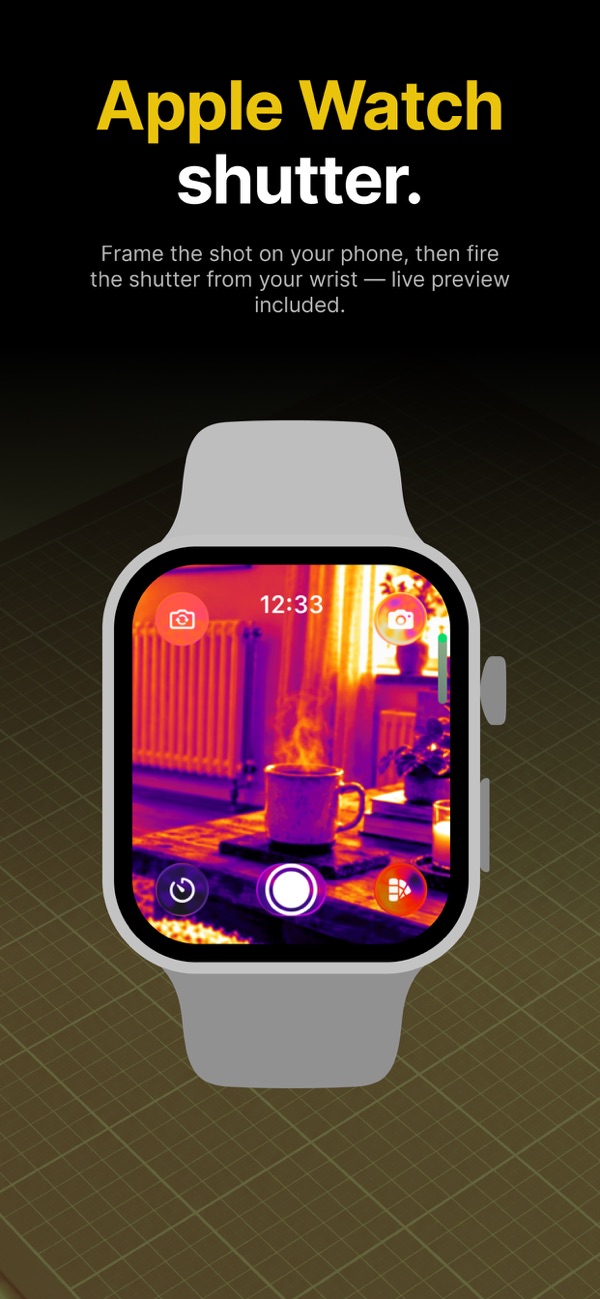
Frame the shot on your iPhone and fire from your wrist, with a live preview and a 3 or 10 second timer.
iPhone and iPad
A large viewfinder on iPad in portrait and landscape, 13 languages, and no ads, ever.
Free and Pro
Standard camera
Ordinary photos with the front or back camera and 0.5×, 1× and 2× zoom on supported devices, kept in the built-in gallery. No subscription needed.
Everything else
All 20 effects, the HUD, the MSX overlay, intensity control, video recording and camera roll import. Choose a weekly plan with a free trial for new subscribers, or a yearly plan. Cancel anytime in your Apple Account settings.
FAQ & Support
How the effects work, what Pro unlocks, and how to manage your subscription.
Read the FAQ →